#1 Online rotoscoping tool
Highlight moving persons
Elevate your video editing with our AI-powered tool to highlight moving persons effortlessly. Try it online for free and transform your videos today!
Trusted by over 1 Million users worldwide





























Simple 3 steps to highlight moving persons
No need to install anything on your device. Nothing to learn to use our tool. We need just a few clicks from you. We simply do the job in easiest way.
Click the persons to highlight
Once the upload is complete, you click inside persons to highlight in your video and we apply state-of-the-art AI algorithms to clearly isolate the persons.
1:01MP4 · 256 MB0%Click the Propagate button
By clicking the Propagate button, the resulting mask will be applied across all frames in your video, making the entire video masked.
 Original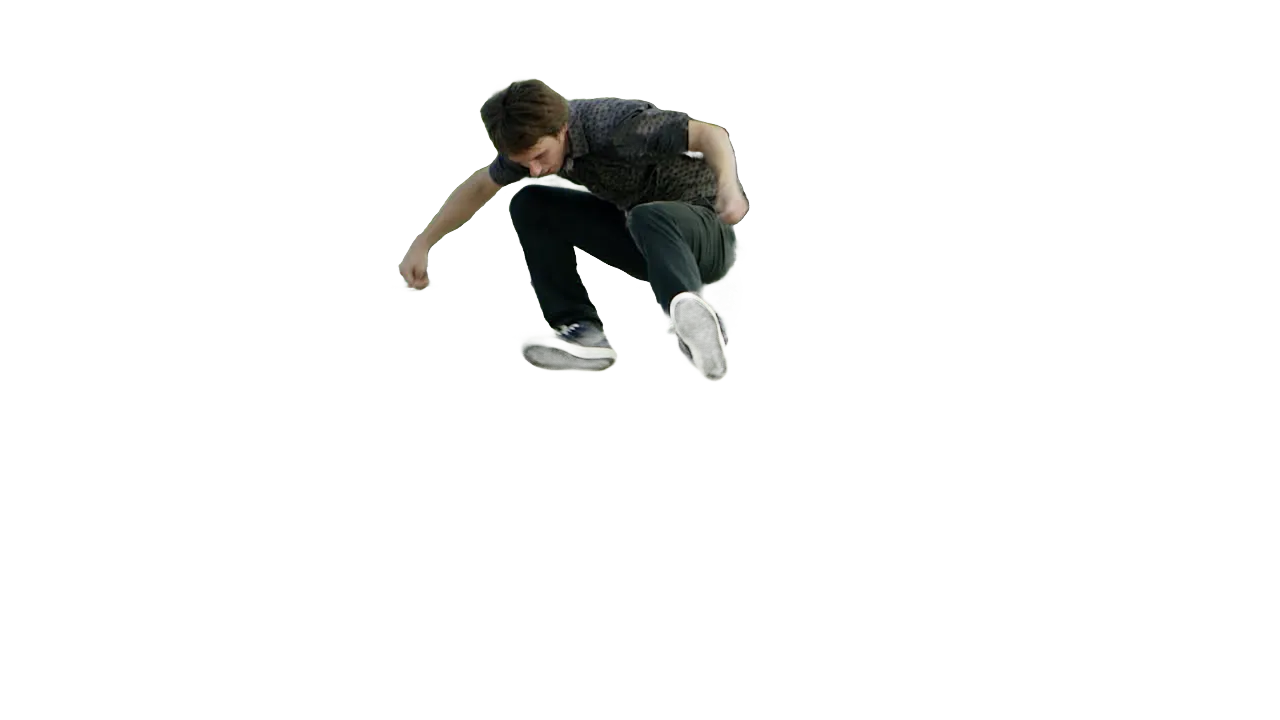
Click the Change Foreground
Click the 'Change Background' button and select 'Highlight'.
0%MP41080pMP4
Make one person stand out
Point at the skater, dim the rest
Click the person you want people to watch. VIDIO follows them as they move and tones down everything else.
Click the skater, dim the rest
Pick the skater mid-jump in one frame. They stay bright while the skate park fades back.
Soften the ramps behind them
Blur the skate park so the rollerblader stays sharp.

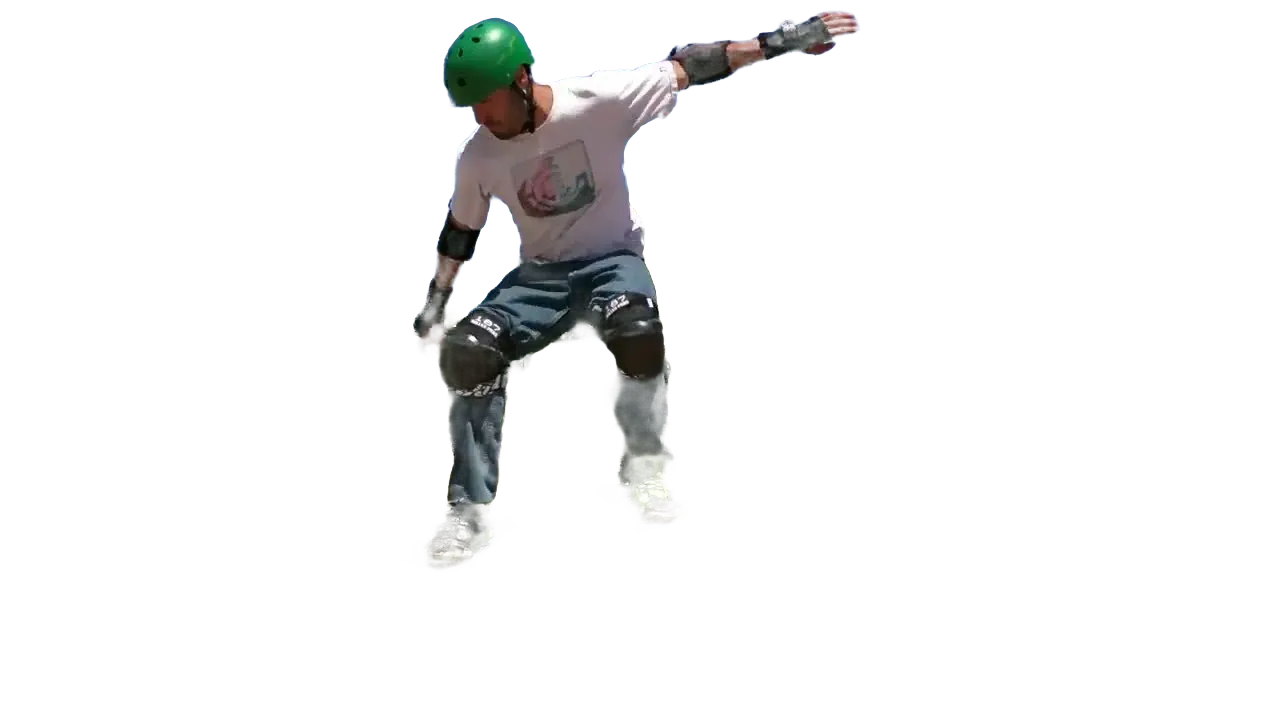
Stays on them every frame
Jumps, swings and sprints: the highlight follows the person to the last frame.


Or move the runner somewhere new
Swap the park path for a color, a photo or a new scene.
Export just the person
Download the rollerblader on a clear background for your own edit.
Recommended by top media and bloggers.





Who it's for
Show viewers who to watch
When a shot is busy, a highlight tells people where to look.
- Your playerEveryone else
What stands out
Coaches
Point out one player's run
Highlight a player in game film so the team sees their movement.
MP416:9 · 2:00
- 0%
Frames highlighted
Parents
Find your kid on the field
Make your child stand out in a crowded game or recital clip.
Facebook16:9 · 1:30
0:30
9:16
Ready for TikTok
Dance creators
Keep the dancer in focus
Dim the room and let the moves carry the clip.
TikTok9:16 · 0:30
0
People highlighted
Teachers
Show who does what
Highlight one person in a demo so students follow the right steps.
YouTube16:9 · 8:00
- 2Dimmed1Blurred
Looks tried
Videographers
A spotlight look without lights
Add a highlight in the edit when you couldn't light the subject on set.
Instagram4:5 · 0:45
Discover More21
More ways to use VIDIO, grouped by what you're making.
AI Tools for Video Creators
Browse all tools- Object extraction from video
- Transparent gif maker
- Transparent video maker
- Foreground background separation
- Auto background defocus
- AI footage cutout
- Video background remover
- Video background changer
- Green screen remover
- Video masking
- Blur video background
- Online rotoscoping
- GIF background remover
- Highlight moving object
- Highlight moving person
- Blur moving object
- Blur a part of video
- Replace video background by AI
- AI video foreground extraction
- Video Background Cutout
- Unscreen
Related Tools
7Related Articles
5Video editing guides and news
- 01Highlight Moving Objects in Video: Easy Online Tools for Beginners
- 02Ways to Add Motion to Photos in Your Wedding Slideshow
- 03Which App is Best for Blurring a Moving Face in a Video?
- 04What is motion heatmapping and how can sports creators use it to find the best highlight moments?
- 05Ways to Quickly Identify Key Moments in Sports Videos
Loved by content creators worldwide.
Review is translated.


I tried your compositing software and I think it is terrific! It works really well in the preview that I did. Blown away, actually.





Finally, I can edit like a professional without spending crazy amount of money on software I don't know how to use. Highly recommended for those who are wanting a quick and easy way to remove backgrounds from video.



Make your next upload your best one
Edit it, package it, schedule it and track it with VIDIO. Free to start.

$456,000 Squid Game In Real Life!
- Create


- PublishClick appeal 81
- Creator analyticsviews