#1 Online AI rotoscoping tool
AI Rotoscoping Online
Revolutionize video editing with our AI Rotoscoping tool. Enjoy seamless, accurate cutouts in your browser—try it online for free today!
Trusted by over 1 Million users worldwide































Rotoscope your videos in 3 easy steps
No downloads, no learning curve—just three clicks to perfect digital rotoscoping.
Upload
Drag‑and‑drop your video; progress is displayed in real time.
0:23MP4 · 97 MB0%Click the foreground object
Click the subject you want to keep—our AI rotoscoping engine isolates it instantly.
Click the dancerMatte readyPropagate & export
Hit Propagate to apply auto rotoscoping across all frames, then export or add effects.
0%MP41080pMP4
Rotoscoping without the frame-by-frame work
Rotoscope a dancer in your browser
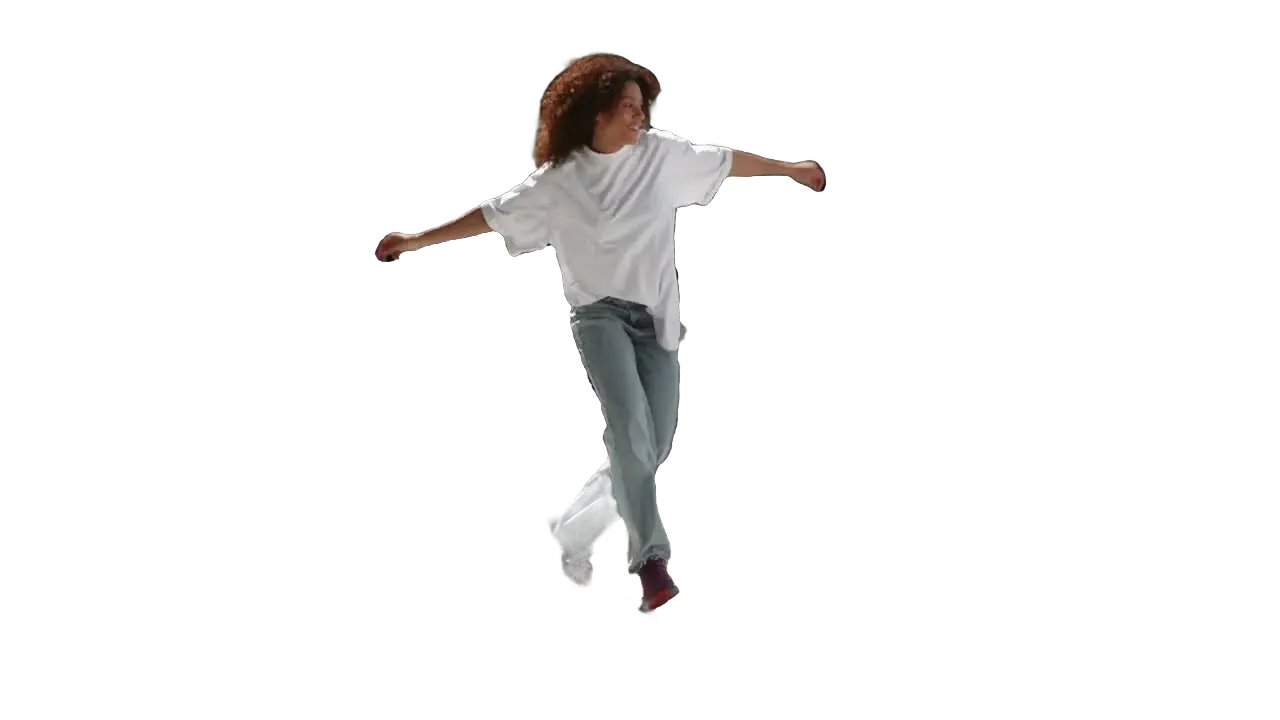
Click the dancer or athlete once. VIDIO traces them on every frame, even mid-spin.
Every frame, traced for you
Kicks, spins and flying hair: the matte follows the mover through the whole clip.
A clean matte on a flowing dress
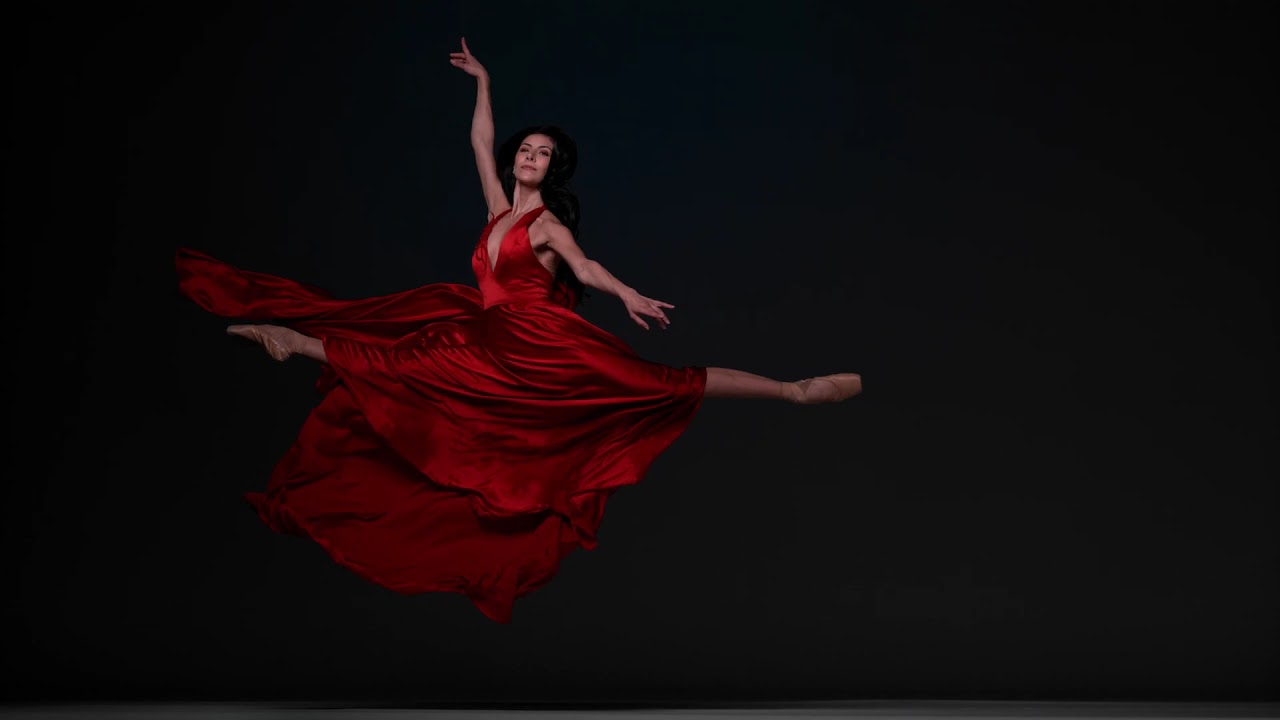
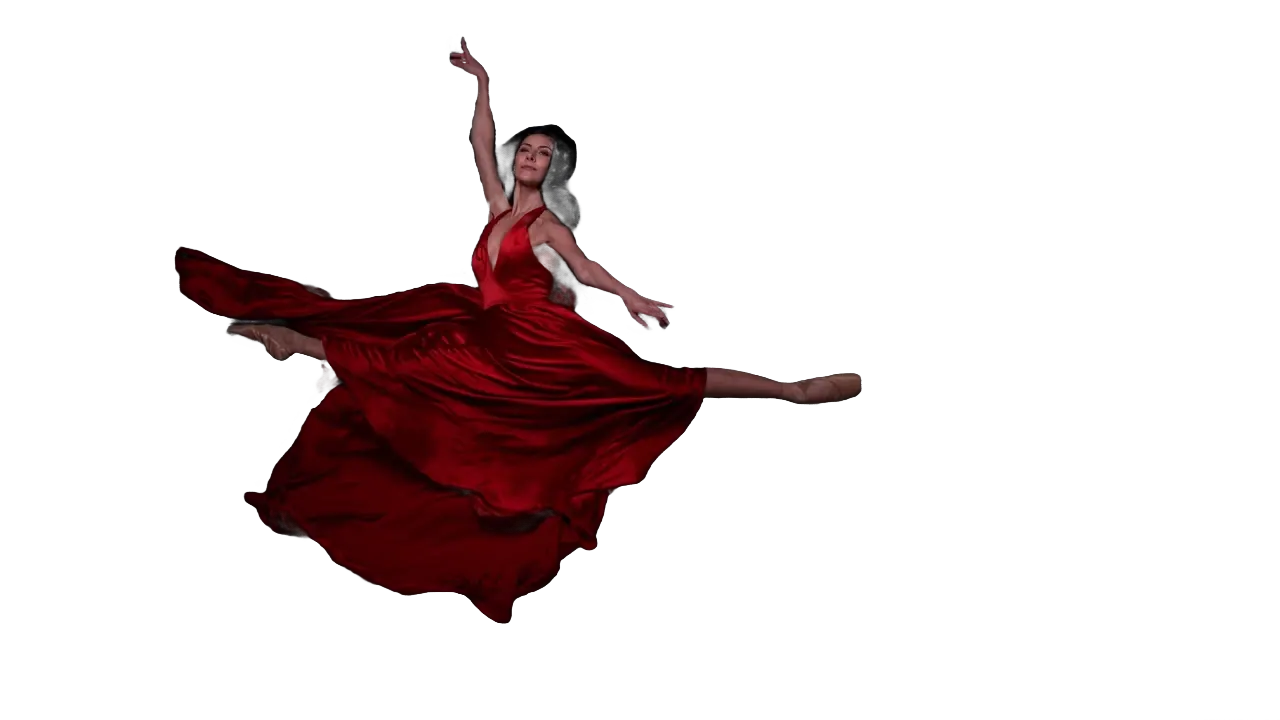
The skirt and arms stay whole mid-leap. No green screen.

Click the dancer to start
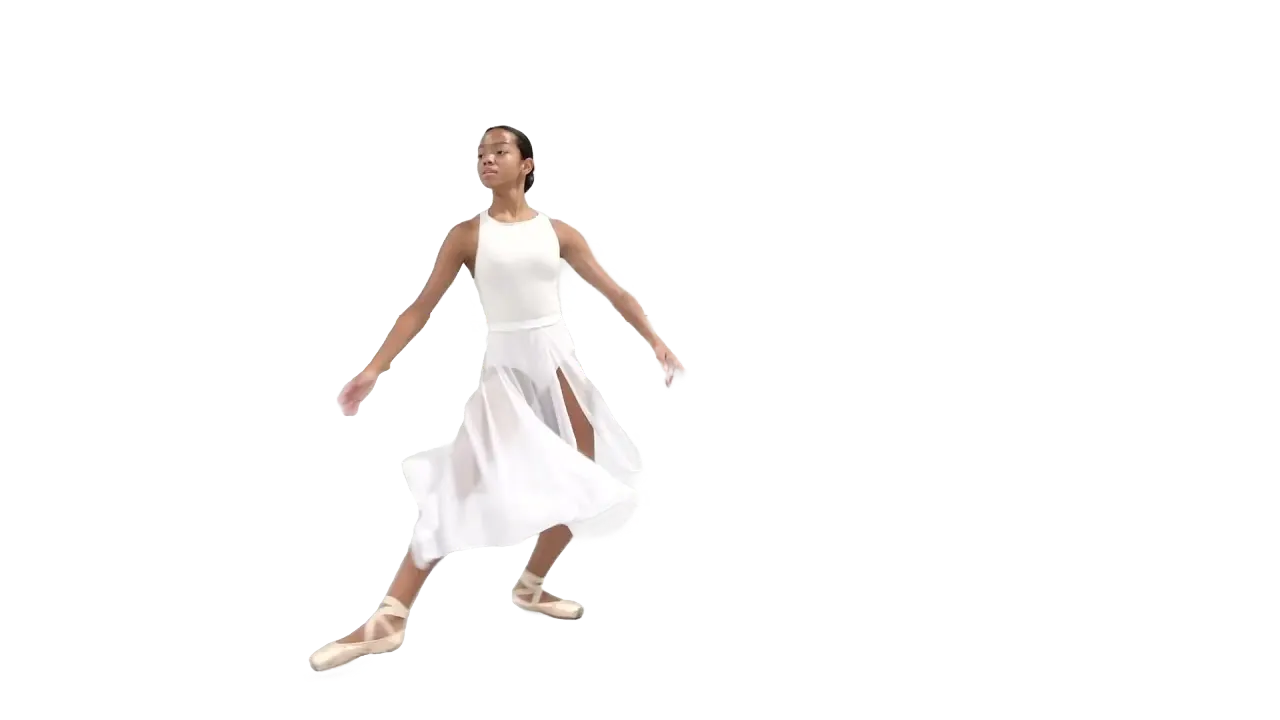
Pick the ballet dancer in one frame and the studio drops away.
Use the matte for effects
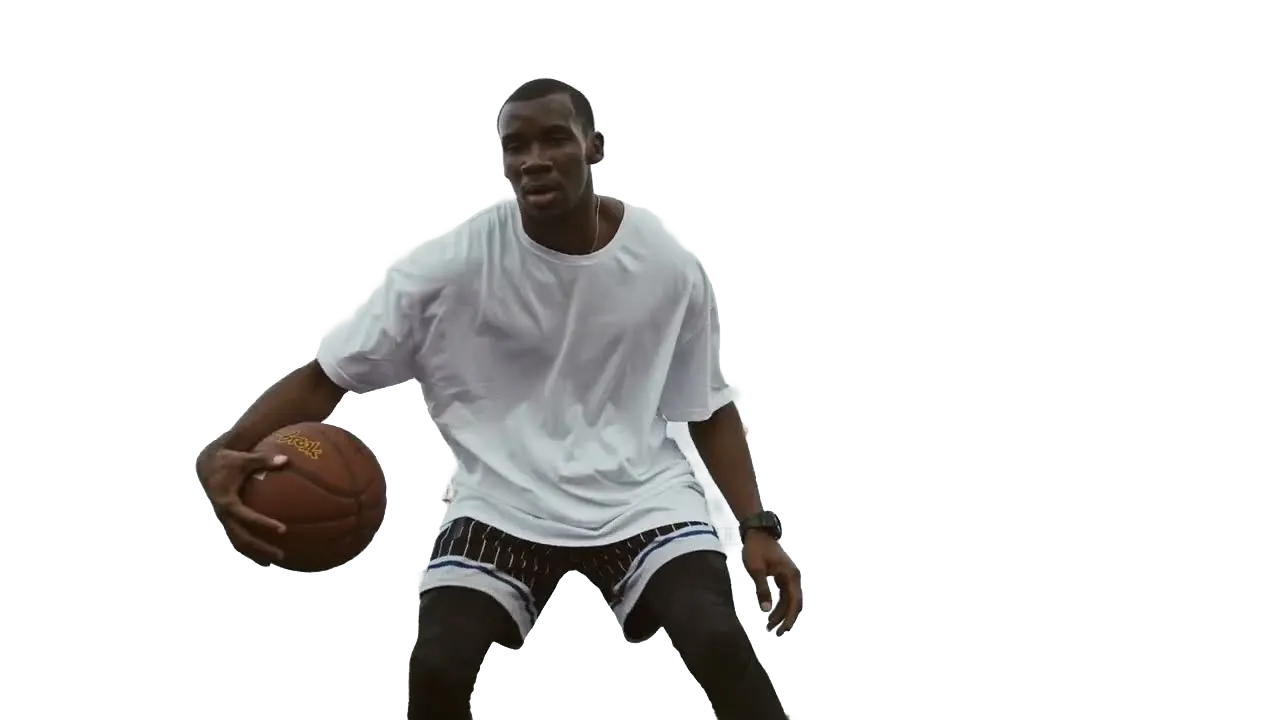
Blur the court behind the player while he dribbles.
Export with alpha
Save the dancer with a clear background for your composite.
Recommended by top media and bloggers.





Who it's for
Rotoscoping for every kind of edit
Get the matte in minutes and spend your time on the creative part.
- 0%
Frames rotoscoped
Editors and VFX artists
Skip the tracing pass
Get a first matte for the whole shot and refine only where you need to.
MP416:9 · 0:30
- ArtistSet
Matte
Music video creators
Stylized looks around the artist
Rotoscope the performer and add effects behind them.
YouTube16:9 · 3:30
0:20
9:16
Ready for TikTok
Short-form creators
Transitions that wrap around you
Use the matte to put text and effects behind yourself.
TikTok9:16 · 0:20
0
Comps made
Agencies
Fast comps for pitches
Rotoscope talent from stock or test footage and drop them into concepts.
MP416:9 · 0:15
- 1ProRes3PNG
Exports
Film teachers
Show students how mattes work
Rotoscope a clip in class and compare the matte with the original.
MP416:9 · 1:00
Discover More21
More ways to use VIDIO, grouped by what you're making.
AI Tools for Video Creators
Browse all tools- Object extraction from video
- Transparent gif maker
- Transparent video maker
- Foreground background separation
- Auto background defocus
- AI footage cutout
- Video background remover
- Video background changer
- Green screen remover
- Video masking
- Blur video background
- Online rotoscoping
- GIF background remover
- Highlight moving object
- Highlight moving person
- Blur moving object
- Blur a part of video
- Replace video background by AI
- AI video foreground extraction
- Video Background Cutout
- Unscreen
Related Tools
7Related Articles
5Video editing guides and news
Loved by content creators worldwide.
Review is translated.


I tried your compositing software and I think it is terrific! It works really well in the preview that I did. Blown away, actually.





Finally, I can edit like a professional without spending crazy amount of money on software I don't know how to use. Highly recommended for those who are wanting a quick and easy way to remove backgrounds from video.



Make your next upload your best one
Edit it, package it, schedule it and track it with VIDIO. Free to start.

$456,000 Squid Game In Real Life!
- Create


- PublishClick appeal 81
- Creator analyticsviews