#1 Online Rotoscoping Tool
Effortlessly Replace Video Backgrounds by AI
Effortlessly replace video backgrounds with our AI tool! Try it online for free today and achieve stunning edits in just a few clicks—no installations needed!
Trusted by over 1 Million users worldwide






























Three Simple Steps
No installations. No learning curve. Just a few clicks.
Upload
Drag and drop your video file. We handle the rest.
1:59MP4 · 500 MB0%Click to Mask
Click inside objects to mask in your video.
Click the presenterBackground offPropagate
Click the Propagate button for transparent backgrounds.
0%MP41080pMP4
Same presenter, new setting
Let AI replace the room behind you
Record at home or in the office. AI keeps the presenter and swaps everything behind them.
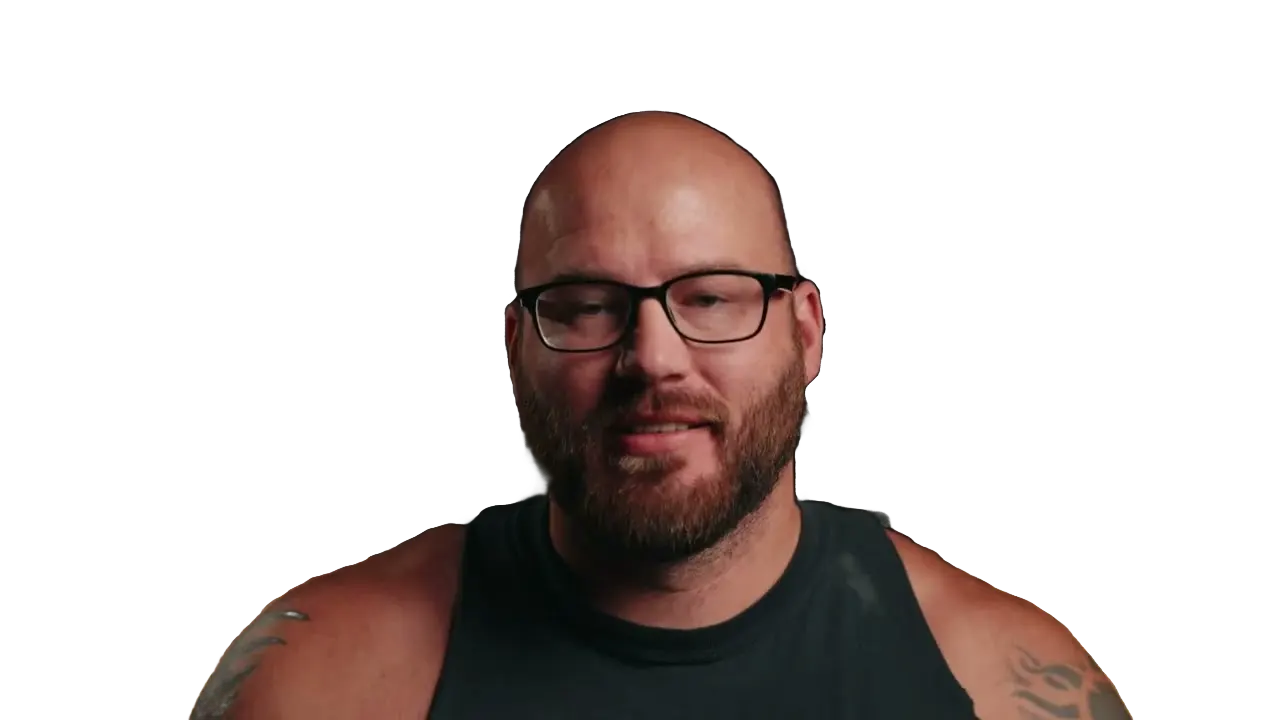
Swap his room for a new scene
AI keeps the presenter and replaces the lamp-lit room. Pick a scene, a color or a blur.
The old room comes out first
VIDIO finds the presenter and removes the shelves and plants behind her.

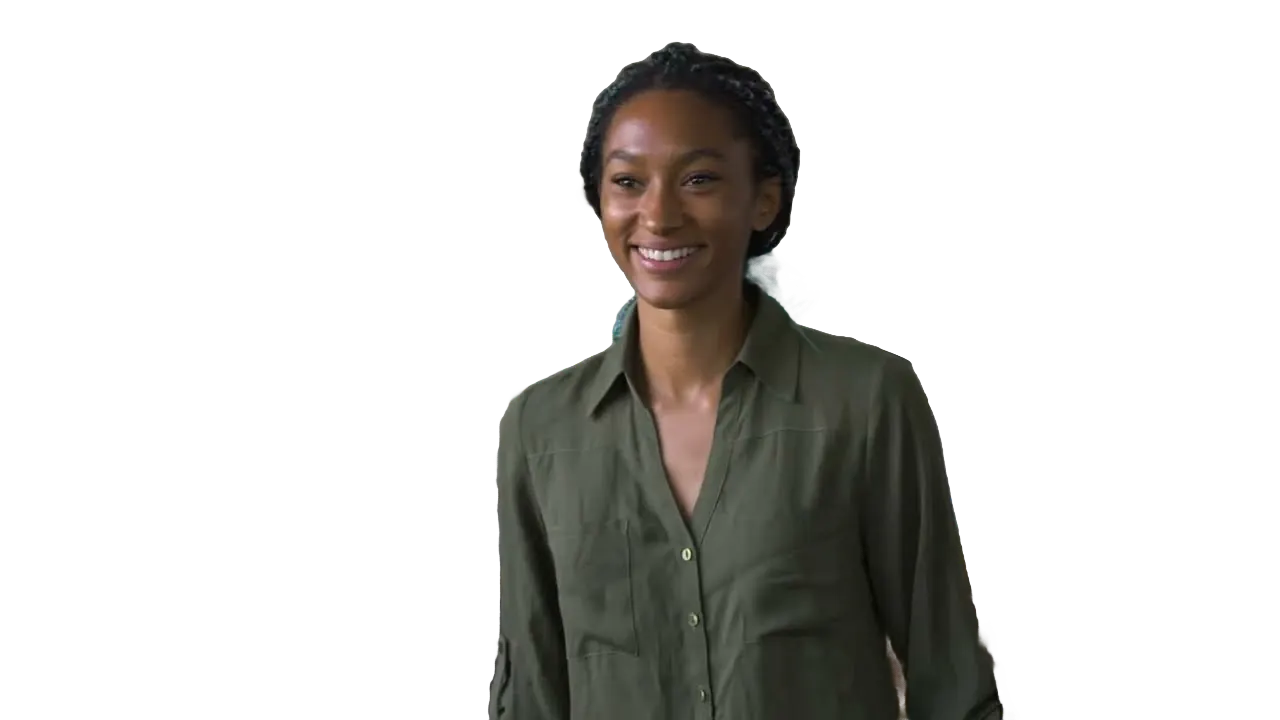
Click the speaker once
One click on the speaker and his studio drops away.

Blur her home instead
Keep the room, just softer, so the focus stays on her.

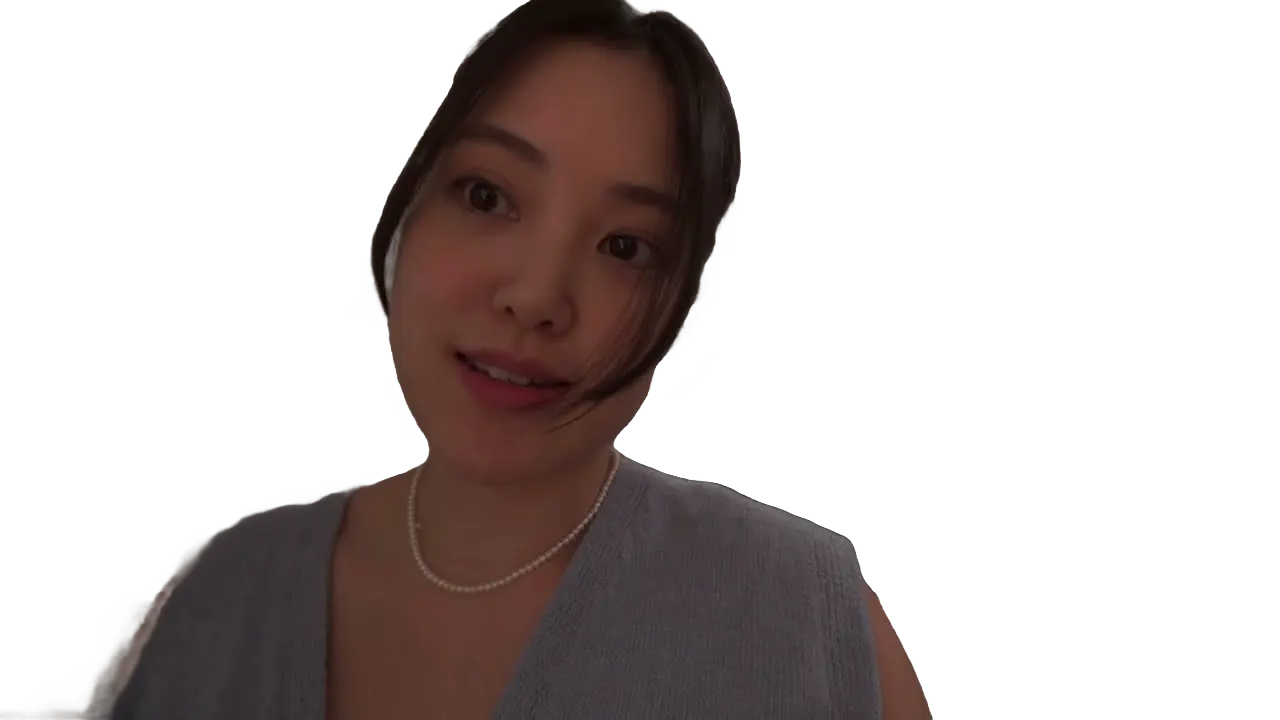
Replaced on every frame
Hands move and heads turn; the new background stays behind them.

Recommended by top media and bloggers.





Who it's for
A better backdrop for every video
Film where you can. Pick the background afterward.
- YouMessy wall
What stays, what goes
YouTubers
Swap the bedroom for a studio
Replace a messy wall with a clean set that matches your channel.
YouTube16:9 · 12:00
0
Videos updated
Small businesses
Product talks on your brand color
Put the speaker on your brand color for site and social videos.
LinkedIn16:9 · 1:00
- 0%
Frames replaced
Speakers
A stage look from home
Record your talk at a desk and place yourself in front of an event backdrop.
YouTube16:9 · 20:00
0:40
9:16
Ready for TikTok
Short-form creators
Talk in front of anything
Put the clip you're reacting to right behind you.
TikTok9:16 · 0:40
- 2Summer3Holiday
Versions
Marketers
Seasonal versions of one ad
Swap the background for each campaign without reshooting.
Instagram4:5 · 0:20
Discover More21
More ways to use VIDIO, grouped by what you're making.
AI Tools for Video Creators
Browse all tools- Object extraction from video
- Transparent gif maker
- Transparent video maker
- Foreground background separation
- Auto background defocus
- AI footage cutout
- Video background remover
- Video background changer
- Green screen remover
- Video masking
- Blur video background
- Online rotoscoping
- GIF background remover
- Highlight moving object
- Highlight moving person
- Blur moving object
- Blur a part of video
- Replace video background by AI
- AI video foreground extraction
- Video Background Cutout
- Unscreen
Related Tools
7Related Articles
5Video editing guides and news
- 01How to Blur Faces in Videos Using VIDIO’s AI Tool
- 02Removing Video Backgrounds Without Adobe Tools
- 03AI Video Editors That Automatically Remove Boring Parts of Videos
- 04How to Automatically Remove Out-of-Focus (Blurry) Shots with VIDIO’s AI Video Editor
- 05Creating High School Basketball Highlight Videos with AI
Loved by content creators worldwide.
Review is translated.


I tried your compositing software and I think it is terrific! It works really well in the preview that I did. Blown away, actually.





Finally, I can edit like a professional without spending crazy amount of money on software I don't know how to use. Highly recommended for those who are wanting a quick and easy way to remove backgrounds from video.



Make your next upload your best one
Edit it, package it, schedule it and track it with VIDIO. Free to start.

$456,000 Squid Game In Real Life!
- Create


- PublishClick appeal 81
- Creator analyticsviews