#1 Online rotoscoping tool
Unscreen
Effortlessly remove backgrounds from your videos with Unscreen's AI tool. Try it online for free and elevate your content in just a few clicks!
Trusted by over 1 Million users worldwide


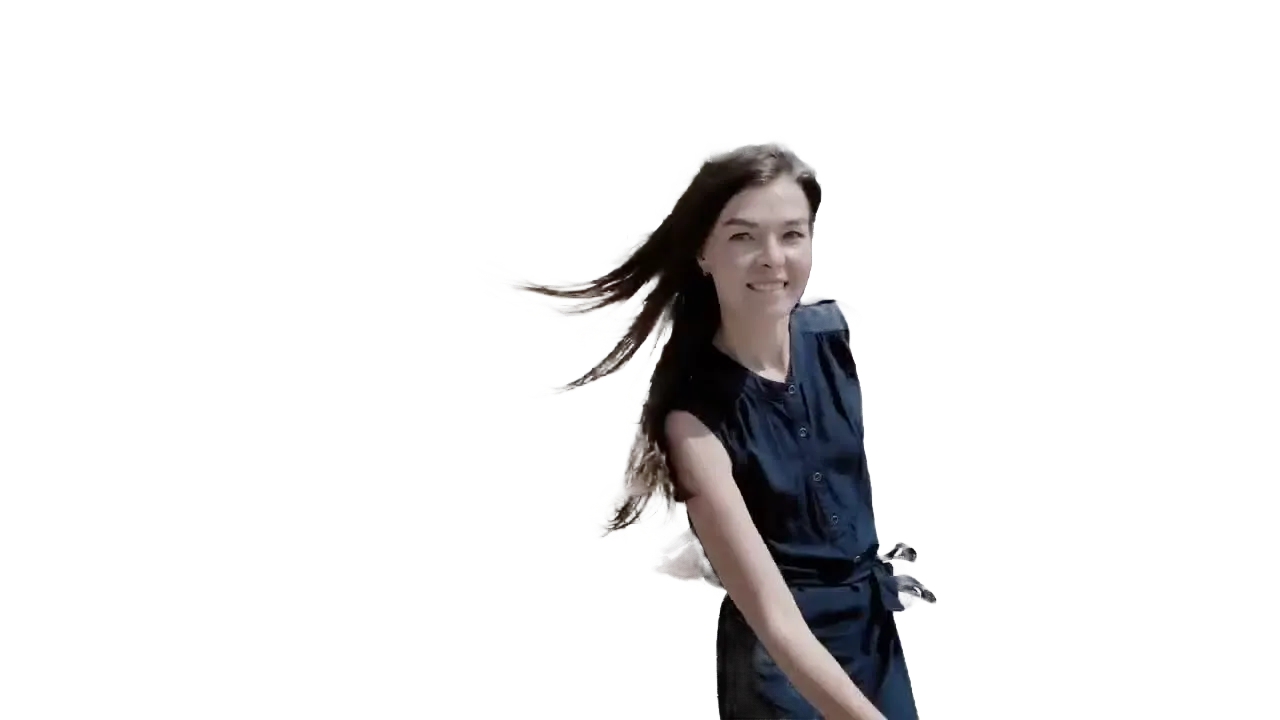
- Background gone
- New color
- New scene




























Simple 3 steps to get what you want
No need to install anything on your device. Nothing to learn to use our tool. We need just a few clicks from you. We simply do the job in easiest way.
Upload
Drag and drop your video file. Uploading progress will be displayed until it is complete.
0:28MP4 · 118 MB0%Click the foreground object to keep
You click inside objects to mask in your video and we apply state-of-the-art AI algorithms to clearly isolate the object.
Click the dancerBackground offClick the Propagate button
By clicking the Propagate button, the resulting mask will be applied across all frames in your video, unscreening the background.
0%MP41080pMP4
No green screen needed
Remove the background from everyday footage
Shot outdoors or at home? VIDIO removes the background anyway and keeps the person.
No green screen, just the dancer
Filmed on a stone path by the water. VIDIO removes the background anyway.
- Background gone
- New color
- New scene
Click who to keep
One click on her and the rocks behind drop away.

Save with no background
Download the guitarist on a clear background.
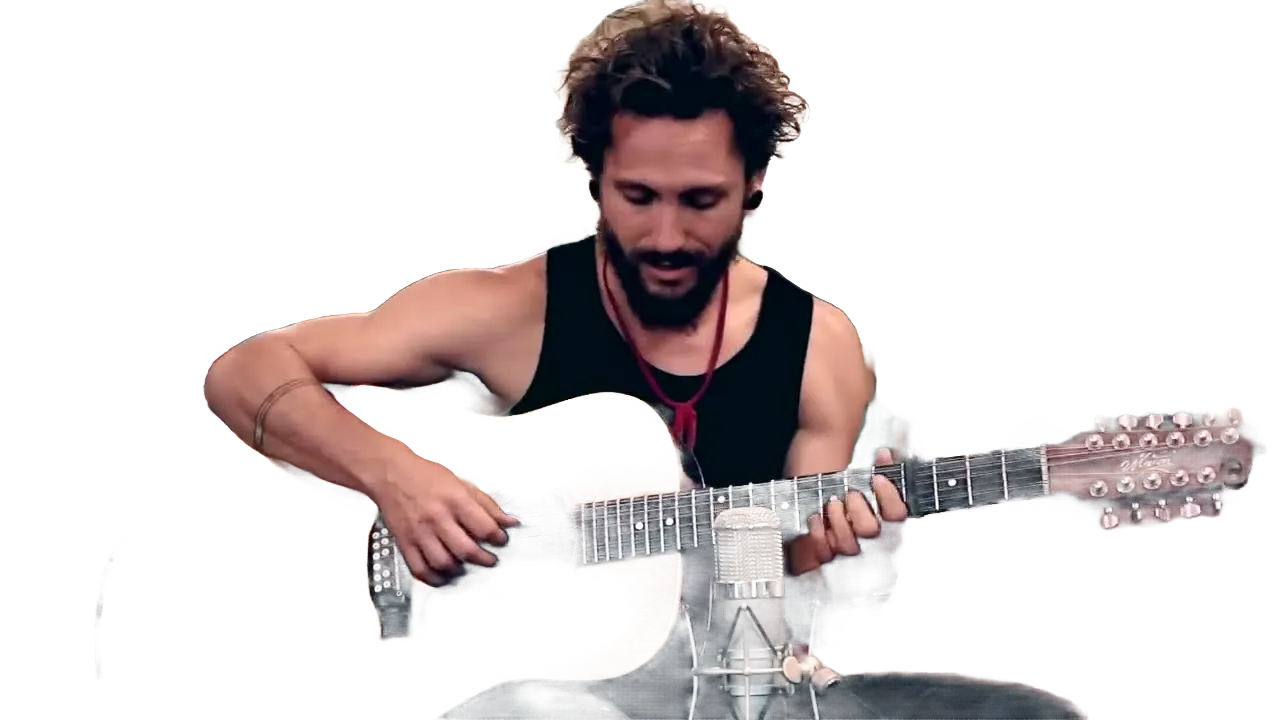
Soften it instead
Keep the coast, blurred, so she stands out.
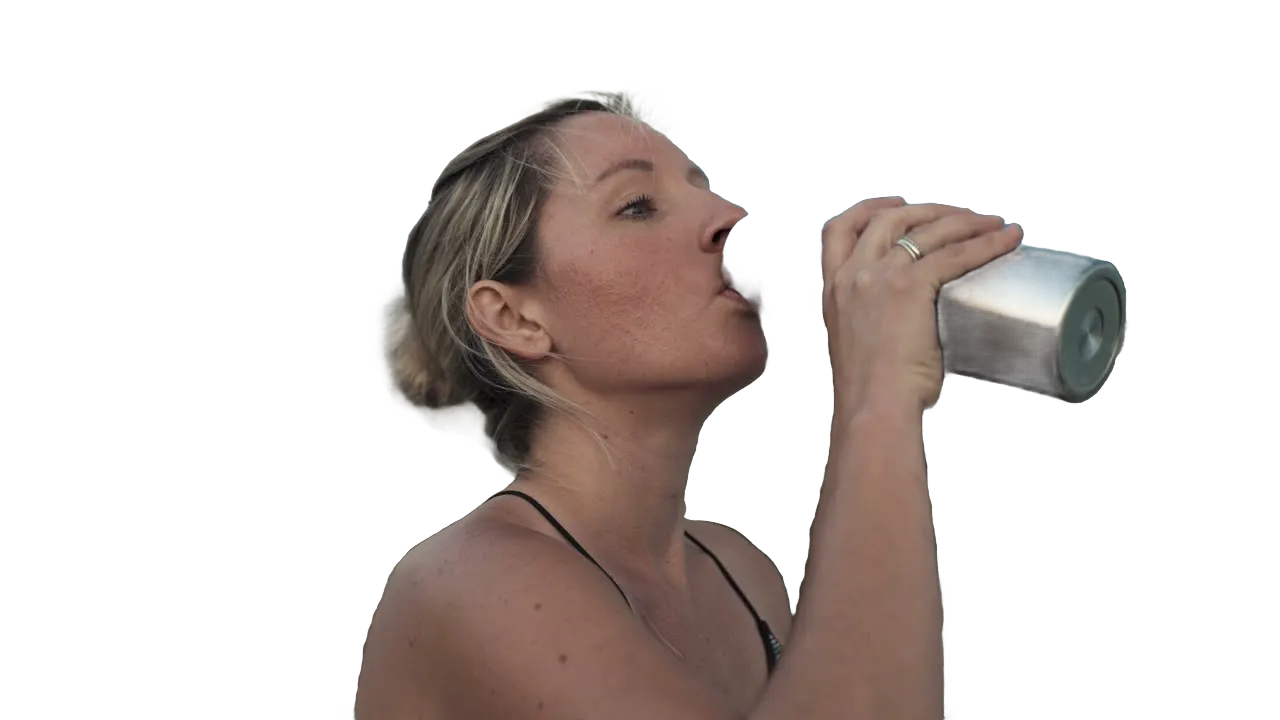
Works on the whole clip
Strumming hands and moving heads stay cut out to the end.

Recommended by top media and bloggers.





Who it's for
Any clip, any background
Film on your phone anywhere. Fix the background afterward.
0:30
9:16
Ready for TikTok
Short-form creators
Drop yourself into any scene
Remove your room and stand in front of the topic you're talking about.
TikTok9:16 · 0:30
- 2WebM2GIF
Exports
Streamers
A cut-out for your overlays
Export a transparent clip of yourself for alerts and scenes.
MP416:9 · 0:10
- PresenterClutter
What stays, what goes
Marketers
Clean product clips
Remove a cluttered background from product and presenter videos.
Instagram1:1 · 0:15
- 0%
Frames cut out
Teachers
Stand next to your lesson
Remove your background and place yourself beside slides.
YouTube16:9 · 10:00
0
Scenes tried
Families
Fun scenes for family clips
Put the kids on the moon or under the sea.
Facebook16:9 · 0:45
Discover More21
More ways to use VIDIO, grouped by what you're making.
AI Tools for Video Creators
Browse all tools- Object extraction from video
- Transparent gif maker
- Transparent video maker
- Foreground background separation
- Auto background defocus
- AI footage cutout
- Video background remover
- Video background changer
- Green screen remover
- Video masking
- Blur video background
- Online rotoscoping
- GIF background remover
- Highlight moving object
- Highlight moving person
- Blur moving object
- Blur a part of video
- Replace video background by AI
- AI video foreground extraction
- Video Background Cutout
- Unscreen
Related Tools
7Related Articles
5Video editing guides and news
- 01Best Alternatives to Unscreen for Video Background Removal
- 02The Clean-Screen Shorts Trend: How SaaS Marketers Can Turn Product Demos into YouTube Explainers
- 03Blurring Faces and Backgrounds in Public Footage: Privacy & Tools Guide
- 04Top 5 Audio Redaction Tools for Automatically Muting or Removing Sensitive Information
- 05Automating Silence Removal in Interview Videos: Techniques and Tools
Loved by content creators worldwide.
Review is translated.


I tried your compositing software and I think it is terrific! It works really well in the preview that I did. Blown away, actually.





Finally, I can edit like a professional without spending crazy amount of money on software I don't know how to use. Highly recommended for those who are wanting a quick and easy way to remove backgrounds from video.



Make your next upload your best one
Edit it, package it, schedule it and track it with VIDIO. Free to start.

$456,000 Squid Game In Real Life!
- Create


- PublishClick appeal 81
- Creator analyticsviews