AI Rotoscoping Online
Transform your video editing with our AI-powered rotoscoping tool, offering lightning-fast, hyper-accurate auto isolation and seamless processing directly in your browser—try it online for free today!
Trusted by over 1 Million users worldwide
Adopted by influential creators and valued by users from global organizations










Rotoscope anything with a few clicks
From people to products, our AI and digital rotoscoping handles every subject with ease.
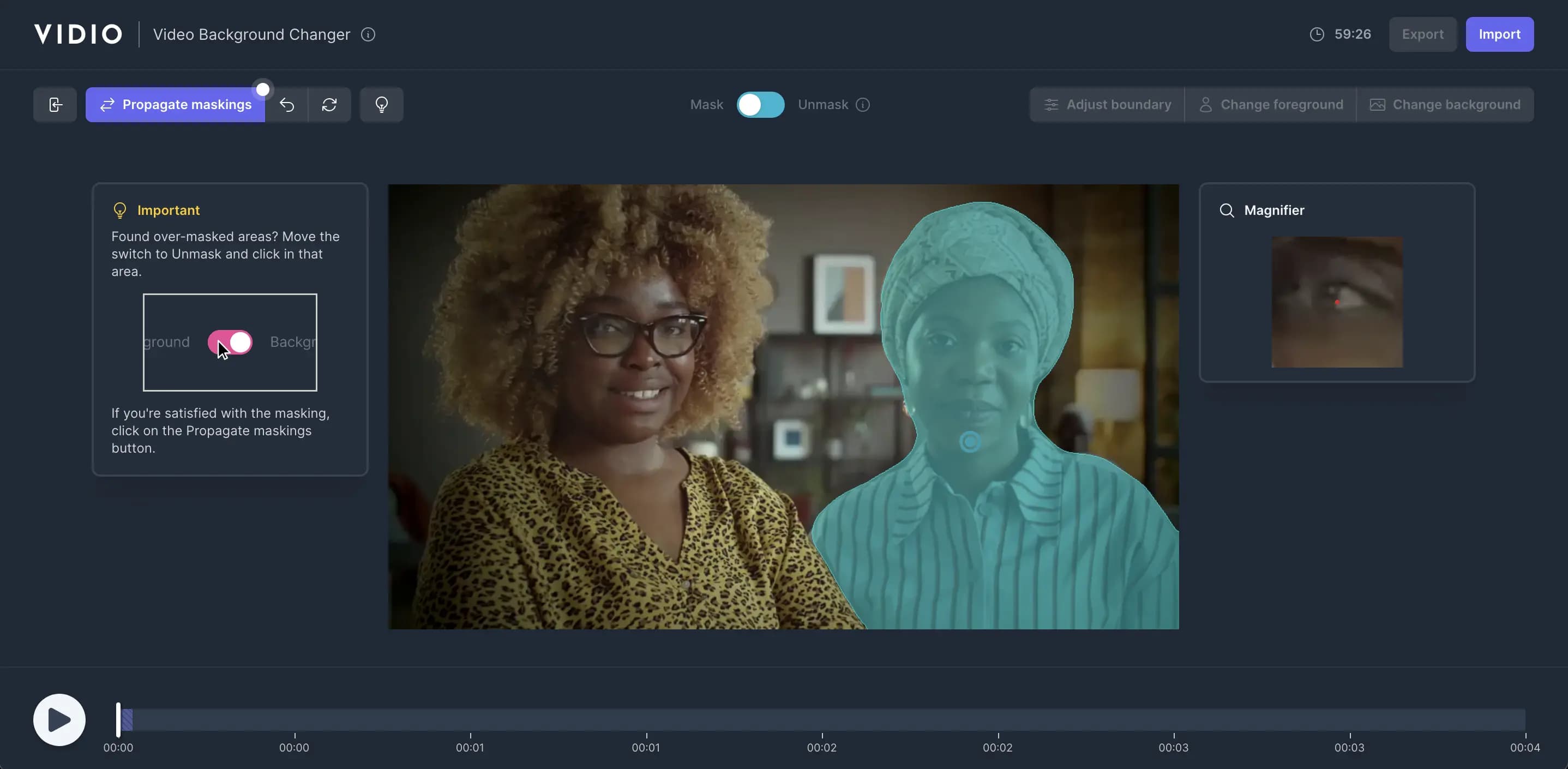
Rotoscope your videos in 3 easy steps
No downloads, no learning curve—just three clicks to perfect digital rotoscoping.
- 1. Upload
Drag‑and‑drop your video; progress is displayed in real time.
- 2. Click the foreground object
Click the subject you want to keep—our AI rotoscoping engine isolates it instantly.
- 3. Propagate & export
Hit Propagate to apply auto rotoscoping across all frames, then export or add effects.
One‑click rotoscoping
Rotoscoping made simple for you.
Great rotoscoping only needs three pillars—ease, speed, and accuracy.
- Easy to use.
- No installs. Digital rotoscoping lives right in your browser with an intuitive click‑to‑mask flow.
- Fast.
- GPU‑accelerated auto rotoscoping delivers results in seconds—no local hardware required.
- Accurate.
- State‑of‑the‑art AI rotoscoping tracks edges and motion for film‑grade masks on every frame.
Mask any object and extract it from your video
Our online editor offers sub‑pixel auto rotoscoping for any object, delivering pristine cutouts.
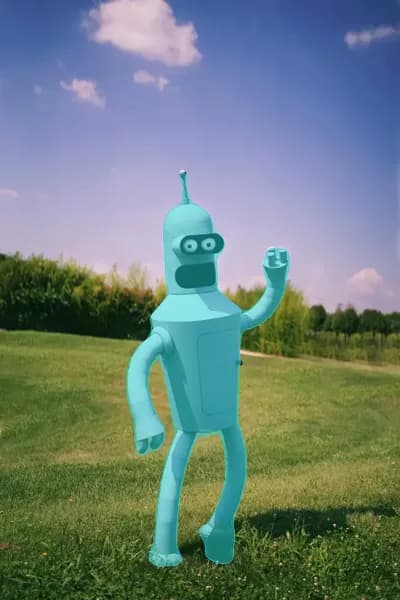
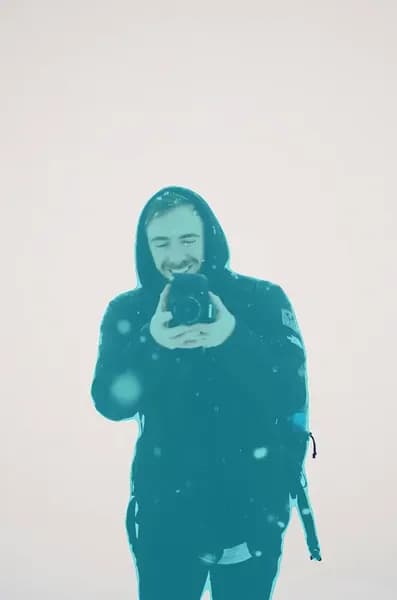


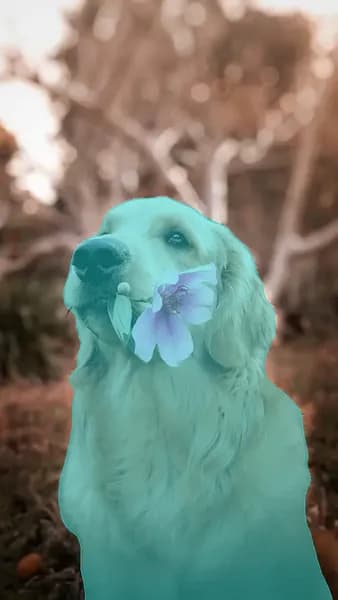
Level‑Up Your Videos with AI & Digital Rotoscoping
- 4K Export
- Deliver stunning rotoscoped footage in crystal‑clear 4K—ideal for professional VFX pipelines.
- Transparent Background Export
- Export alpha‑channeled ProRes or GIF files so your rotoscoped layers drop perfectly into any scene.
- Automatic Rotoscoping
- One‑click auto rotoscoping harnesses AI precision to isolate subjects frame‑by‑frame without manual masks.
- Click‑Based Foreground Extraction
- Refine your digital rotoscoping in seconds—just click to perfect the mask boundaries.
- Background Replacement
- Swap out backgrounds instantly after rotoscoping with custom images, colors, or virtual sets.
- Blur Foreground Objects for Privacy
- Protect sensitive details by blurring rotoscoped regions with adjustable strength.
- Blur Background for Foreground Focus
- Keep attention on your subject by softly defocusing the background post‑rotoscoping.
- Object Highlighting with Background Filters
- Apply artistic filters behind rotoscoped layers to make your subject pop.
Recommended by top media and bloggers.





Frequently asked questions
- How does the online rotoscoping tool work?
Our AI rotoscoping engine uses video object segmentation to isolate the subject in your video. It then applies a mask to the object, allowing you to edit or replace the background.
- Does this tool automatically rotoscope my video?
Yes! Our AI rotoscoping engine automatically detects the subject in your video and applies a mask to it. You can also manually adjust the mask if you choose the interactive mode.
- Does this rotoscoping tool work online?
Yes! Our online rotoscoping tool works in your browser, so you can access it from anywhere without downloading any software.
- What video formats does the online rotoscoping tool support?
The online rotoscoping tool supports a variety of video formats, including MP4, MOV, and AVI. For best results, we recommend using high‑quality videos that have strong contrast between the subject and background.
- Can I use the online rotoscoping tool for free?
Yes! You can use our online rotoscoping tool for free with limited features. For full access to all features, you can upgrade to a paid plan.
Discover More
Related Tools
Related Articles
Edit like a pro in a minute.
Still not sure? Just upload your video and experience professional editing can be fun.