Highlight video maker
Effortlessly create stunning highlight videos in minutes with our AI-powered Highlight Video Maker. Try it online for free today! No installations needed!
Trusted by over 1 Million users worldwide




























Hours of video editing in minutes with AI
No more dragging and dropping clips. No more cutting and pasting. Just upload your video and let our AI do the rest.



Simple 3 steps to make highlight videos
No need to install anything on your device. Nothing to learn to use our tool. We need just a few clicks from you. We simply do the job in easiest way.
- 1. You upload
Drag and drop your video file. Uploading progress will be displayed until it is complete.
- 2. Describe your requirements
Tell the AI what you want in your edit using the prompt box, then send it. Vidio will use your requirements to create the video.
- 3. You download
You download your video output on your device by simply clicking the Export button.
Turn key moments into polished highlight videos
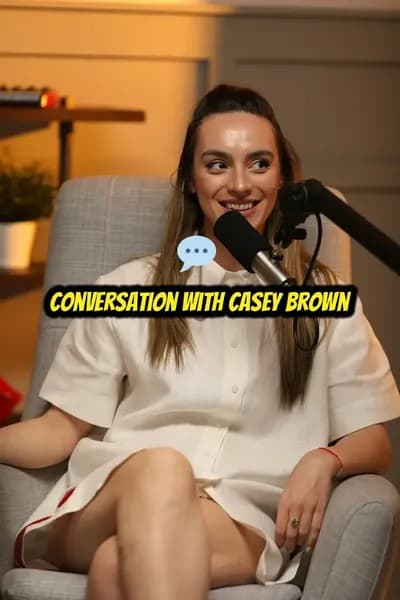
Upload long footage and let AI find the moments, reactions, and story beats worth turning into shareable clips.




One-click edit
Highlight video making made simple for you.
Highlight video maker doesn't need a hundred features. It just needs three things to get what you want.
- Easy to use.
- No installations, nothing to learn to use our tool. Highlight videos are created with just a few clicks.
- Fast.
- We leverage GPU infrastrature and the cutting-edge web tech to deliver the outcome in most efficient ways.
- Accurate.
- Powered by state-of-the-art AI algorithms, we deliver the quality output that you won't get elsewhere.
AI-powered editing
Shape your Highlight Video Maker after AI finds the best moments
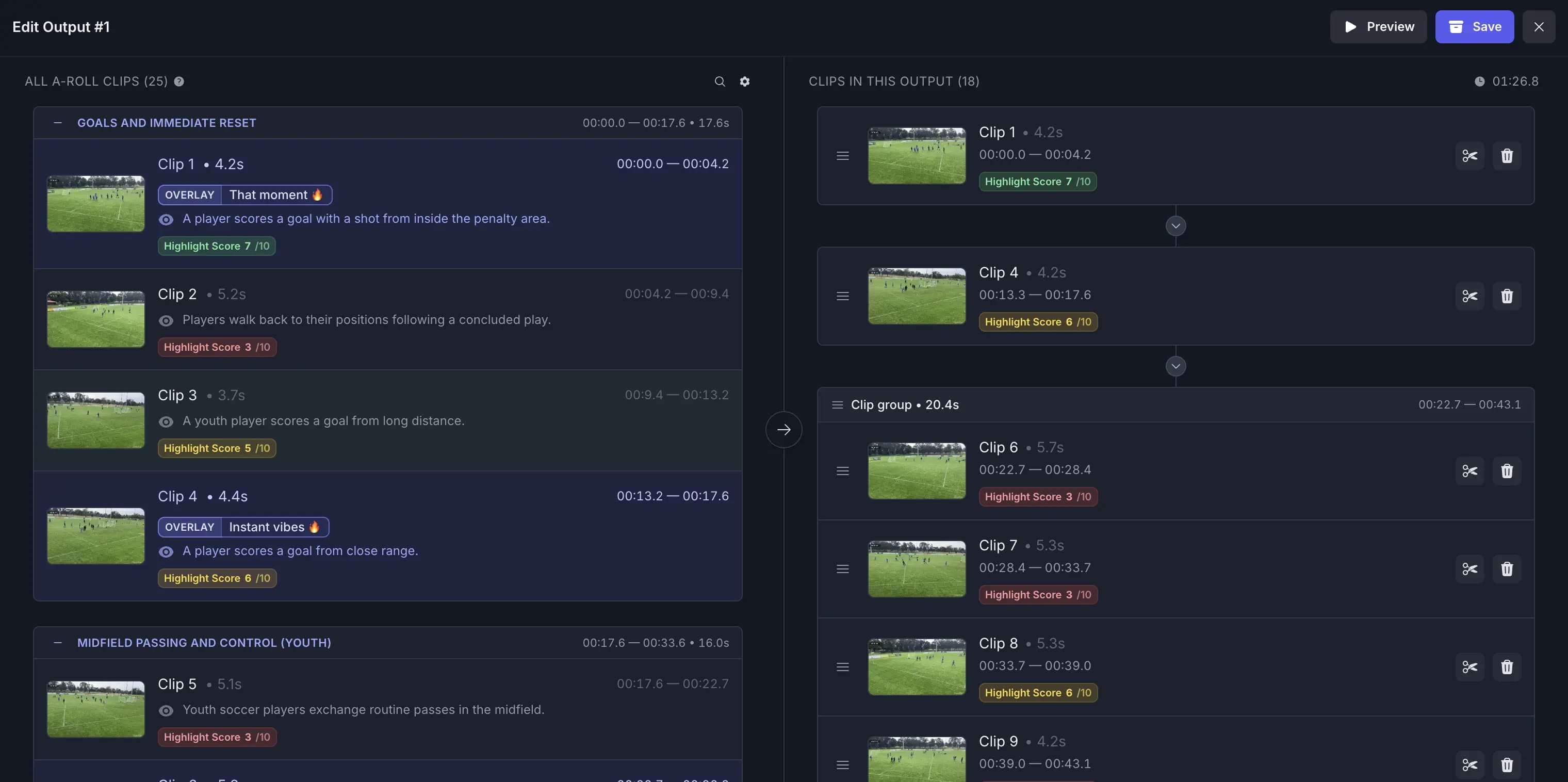
Let AI assemble the first highlight edit, then keep, remove, or extend plays and scenes with transitions, captions, and music adjusting around every cut.
Adapt to Any Pace, Platform, or Style
- Custom music
- Enhance your highlights with customizable background music to set the perfect mood and tone for your video.
- Segment length
- Adjust segment lengths to create fast-paced excitement or slow-paced storytelling, tailored to your style.
- Video resizing
- Effortlessly resize your videos to perfectly fit any social media platform’s requirements.
- Output length
- Set the perfect output length to match your story, audience, or platform needs.
- Transition effects
- Seamlessly enhance your highlights with smooth and dynamic transition effects.
- Segment adjustments
- Get a complete list of segments with AI recommendations highlighted, allowing you to adjust and customize to your preference.
- Auto B-roll search and add
- Automatically find and insert relevant B-roll clips to enrich your story without manual searching.
- Auto caption overlays
- Add stylish text captions and emoji overlays that highlight key moments and keep viewers engaged.
- Beat sync
- Automatically align cuts, transitions, and visual moments to the rhythm of your soundtrack.
- Text animations
- Bring titles, callouts, and social cards to life with a variety of animated text styles.
Recommended by top media and bloggers.





Works with diverse use cases
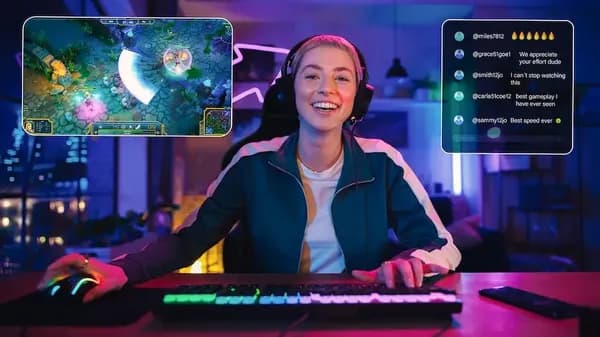
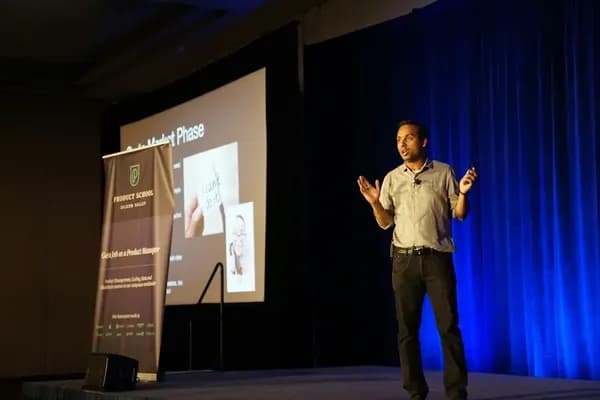
Highlight video maker is designed to work with a wide range of video types. Regardless of whether you content type, we have you covered.







Frequently asked questions
- How does the online highlight video maker automatically generate highlight videos?
It employs advanced AI algorithms to analyze and make highlight videos automatically. It identifies key moments and content within the video, providing concise summaries of the most important segments.
- What types of videos can I use with this tool?
You can use a variety of video formats, including GIF, MP4, MOV, MPG, WEBM, and MPEG. We support these formats to ensure compatibility with a wide range of video files.
- Is there a limit on the file size or duration of videos I can process?
Yes, there is a maximum file size limit of 3GB for videos that can be processed. For more information, please visit the pricing page.
- Can I use this tool for free, or is there a pricing structure?
We offer a free option that allows you to use the service. For more information, please visit the pricing page.
- Is the process fully automated, or can users manually fine-tune the settings after providing initial inputs?
The process begins with user inputs for customization. Users can choose summarization mode (speech or visual), desired output length, aspect ratio, and more. While the initial setup is based on user preferences, the remaining steps are fully automated from there.
- Does it accept image uploads as well as video uploads?
You can use a variety of image and video formats, including JPG, PNG, GIF, MP4, MOV, MPG, WEBM, and MPEG. We support these formats to ensure compatibility with a wide range of image and video files.
Related Tools
Related Articles
Edit like a pro in a minute.
Still not sure? Just upload your video and experience professional editing can be fun.